-
Mon-Fri: 10AM to 8PM 01722665665
-
My Account
-
-
0
Total :
₹ 0.00

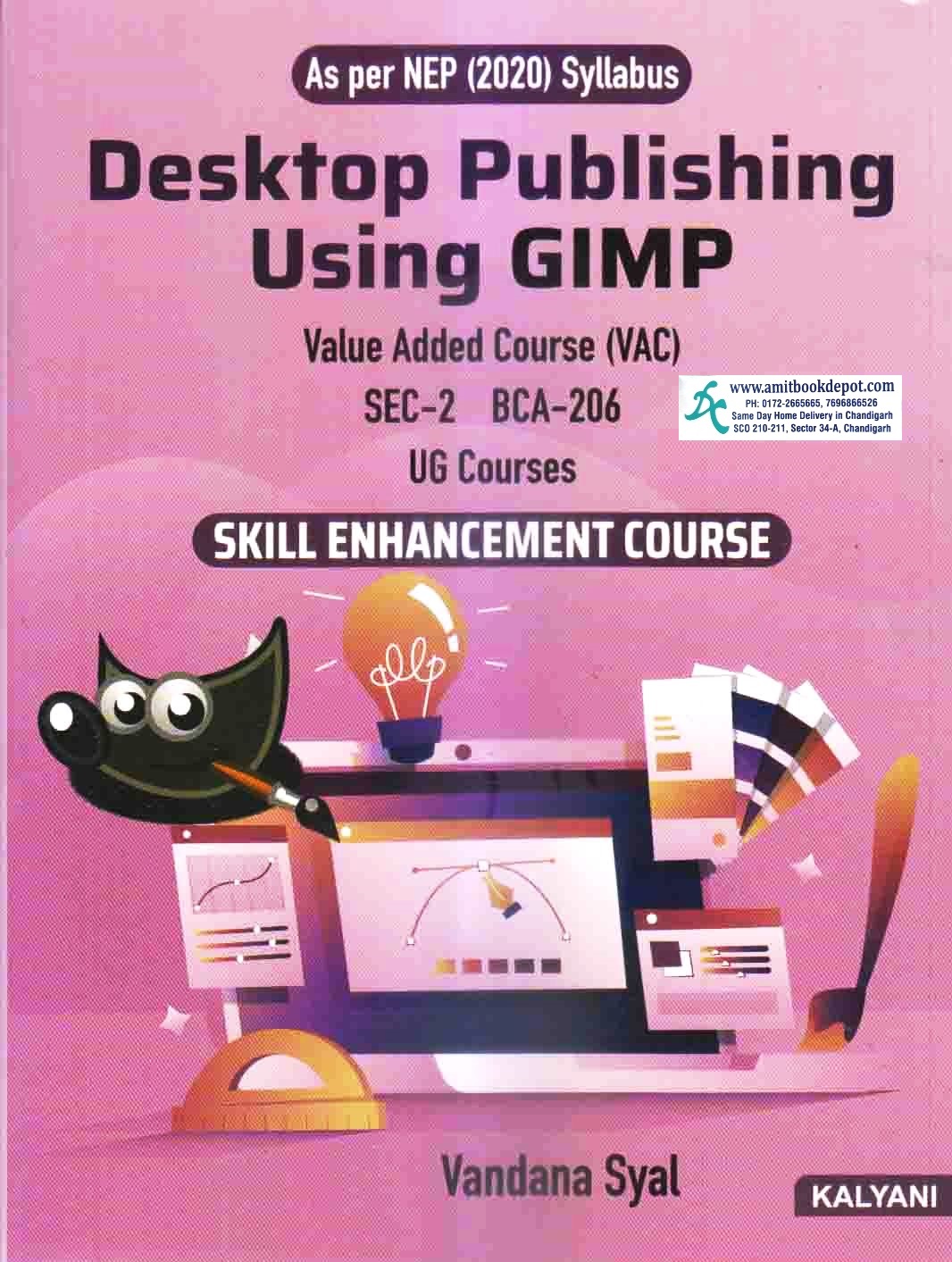

Yes, this book is specifically written and structured to match the exact syllabus, including all units and topics, for the Desktop Publishing Using GIMP course for Panjab University Chandigarh undergraduate students.
While the core principles of GIMP are consistent across versions, the book is designed to be relevant for the versions commonly used at the time of its publication. It's always recommended to use the latest stable version of GIMP, as the fundamental tools and interface remain largely the same.
Absolutely. The book starts with the very basics, including downloading GIMP and understanding its interface, making it perfectly suitable for complete beginners.
Yes, the objective of the book explicitly includes making students skillful in professional areas like "flex designing." The skills taught in image manipulation, text handling, and layout are directly applicable to creating flex banners.
Yes, Unit I on "Basic Computer Graphics" provides a thorough explanation of different file formats, their uses, and how to save and export them in GIMP, which is crucial for desktop publishing.
Yes, "Working with Layers and Masks" is a dedicated unit (Unit IV) in the syllabus and is covered in detail in the book, which is essential for complex image compositing and non-destructive editing.
Yes, the stated course outcome is to enable students to use GIMP for "poster/cover/banner design." The book provides the necessary training in layout, typography, and image integration to achieve this.
This book offers a structured, curriculum-based learning path curated for PU Chandigarh students. It presents information in a logical, pedagogical sequence, ensuring all syllabus topics are covered comprehensively without the disjointed nature of random online tutorials.
Yes, Unit IV on "Working with Text" covers adding, editing, customizing text, and specifically includes the technique of "Making Text Go Along a Path," a key skill for professional logo and design work.
Yes, the book includes a section on removing unwanted spots or blotches using tools like the Smudge Brush and the Healing Brush in Unit III.
No Description Added
Yes, this book is specifically written and structured to match the exact syllabus, including all units and topics, for the Desktop Publishing Using GIMP course for Panjab University Chandigarh undergraduate students.
While the core principles of GIMP are consistent across versions, the book is designed to be relevant for the versions commonly used at the time of its publication. It's always recommended to use the latest stable version of GIMP, as the fundamental tools and interface remain largely the same.
Absolutely. The book starts with the very basics, including downloading GIMP and understanding its interface, making it perfectly suitable for complete beginners.
Yes, the objective of the book explicitly includes making students skillful in professional areas like "flex designing." The skills taught in image manipulation, text handling, and layout are directly applicable to creating flex banners.
Yes, Unit I on "Basic Computer Graphics" provides a thorough explanation of different file formats, their uses, and how to save and export them in GIMP, which is crucial for desktop publishing.
Yes, "Working with Layers and Masks" is a dedicated unit (Unit IV) in the syllabus and is covered in detail in the book, which is essential for complex image compositing and non-destructive editing.
Yes, the stated course outcome is to enable students to use GIMP for "poster/cover/banner design." The book provides the necessary training in layout, typography, and image integration to achieve this.
This book offers a structured, curriculum-based learning path curated for PU Chandigarh students. It presents information in a logical, pedagogical sequence, ensuring all syllabus topics are covered comprehensively without the disjointed nature of random online tutorials.
Yes, Unit IV on "Working with Text" covers adding, editing, customizing text, and specifically includes the technique of "Making Text Go Along a Path," a key skill for professional logo and design work.
Yes, the book includes a section on removing unwanted spots or blotches using tools like the Smudge Brush and the Healing Brush in Unit III.